
Your Smeg induction cooktop displays a small padlock or the letters “LO” and nothing else responds. The buttons remain silent, making it impossible to activate any cooking zone. This blockage corresponds to the child safety lock, a feature present on all Smeg induction models. The good news: unlocking rarely takes more than a few seconds, provided you know the correct procedure for your model.
Smeg touch controls: why the touch panel is unresponsive
Before looking for the button to press, check the state of the control panel. Smeg cooktops use touch sensors that detect your finger’s contact through changes in electrical capacitance. If water, grease, or a protective film covers this area, the sensor does not recognize your touch.
The result: you hold the padlock button with no effect. You might think it’s a malfunction, when the issue simply stems from the surface. Wipe the panel with a dry, clean cloth before attempting to unlock. A damp cloth is not enough; the area must be perfectly dry.
This reflex will prevent you from making unnecessary presses. On some models, repeated mis-detected presses can even activate an additional temporary lock, complicating the situation. If you’re looking to find out how to unlock a Smeg induction cooktop and nothing works, always start with this cleaning.
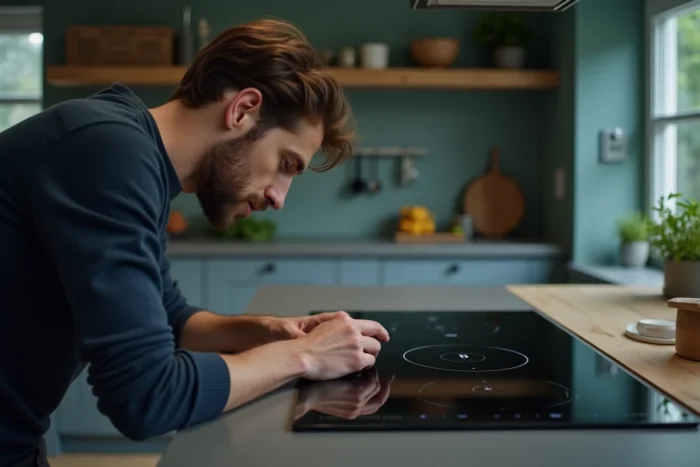
Unlocking Smeg induction cooktop: the procedure according to your range
Not all Smeg cooktops unlock the same way. The procedure depends on the model generation and series.
Models with dedicated padlock button
On older or entry-level Smeg cooktops, a padlock or key symbol appears directly on the panel. The procedure is simple: press and hold this button for a few seconds. A beep confirms the unlocking, and the symbol disappears from the screen.
If the beep does not sound, release and try again, pressing firmly in the center of the icon with a dry finger. Avoid using a nail or utensil; the sensor needs a sufficient contact surface.
SIM and SI2 ranges: the two-button combination
On the SIM and SI2 series launched since 2022, Smeg has modified the procedure. It is no longer just a prolonged press on a single button. Unlocking now requires simultaneously holding the ON/OFF button and the Lock button for a few seconds.
This combination does not always appear obviously on the panel. If you can’t find it, consult the PDF manual for your exact model on the Smeg France website. Each reference (for example, SEIM562B) has its own downloadable documentation.
What happens after a power cut
Have you experienced a brief power cut and your cooktop displays the padlock upon restarting? This behavior is normal on Smeg models launched after 2021. The cooktop reactivates the lock by default after power returns, even if you never activated it intentionally.
In this case, apply the usual unlocking procedure for your model. This is not an error code or a malfunction; it is simply a safety measure that triggers automatically.
Error codes on Smeg cooktop: distinguishing lock and real problem
The padlock or “LO” indicates a voluntary lock. In contrast, other displays signal a real malfunction that cannot be resolved by a simple button press. Have you ever noticed an unusual code on your cooktop’s screen?
Here are situations that do not relate to the child lock:
- An alphanumeric error code (like E followed by a number) indicates a sensor issue, internal connection problem, or overheating. This type of malfunction requires the intervention of an appliance technician.
- A rapid flashing of all zones without a padlock display may indicate an issue with the electronic board. Cut the power at the circuit breaker, wait about ten minutes, then restart. If the problem persists, contact Smeg customer service.
- The cooktop lights up but no cooking zone heats despite unlocking: check that your pots are induction compatible (magnetic base). An unsuitable container prevents detection by the cooktop and mimics a blockage.
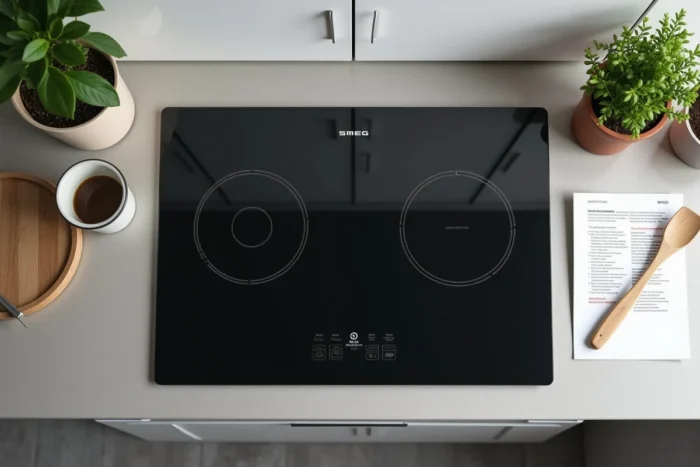
Electrical reset of a blocked Smeg induction cooktop
When the touch procedure fails despite a clean and dry panel, there remains the reset by cutting power. This method works on most induction devices.
Turn off the circuit breaker dedicated to the cooktop (or unplug it if it is connected via a plug). Wait about ten minutes for the electronics to fully reset. Restore power, then immediately attempt the unlocking sequence before touching any other controls.
This wait allows the capacitors on the control board to discharge. A too-quick restart (just a few seconds) is not always enough to clear the memorized lock state.
When to call a technician for your Smeg cooktop
If after cleaning the panel, trying the button combination, and performing an electrical reset the cooktop remains blocked, the problem exceeds simple locking. Several technical causes may explain this situation:
- A faulty touch sensor that no longer detects any contact.
- An electronic board damaged by a power surge.
- A loose internal connector between the control panel and the power board.
In these cases, only a qualified appliance technician can diagnose and repair the device safely. Opening the cooktop yourself voids the warranty and presents a real electrical risk.
Always keep the exact reference of your Smeg model (visible on the label under the cooktop or on the purchase invoice). This information speeds up diagnosis and parts ordering if necessary. A technician equipped with the right documentation resolves most persistent locking failures in a single visit.